Pages

Gambit Communications® Network Simulation

Gambit Communications® is a provider of tools for simulating servers, networking and storage devices.

Network management software

MIMIC Simulator for testing your network management software.

Network Management Apps

MIMIC Simulator for testing your network management software. SNMP Simulation.

MIMIC Web Simulator

Create a large virtual lab with Gambit Communications.

IOS Simulator

IOS based apps Using MIMIC Simulator.

Monday, 7 September 2015

Three Reasons Why You Should Master Cisco IOS Commands for Your CCNA

Mastering IOS commands are a very crucial part of your CCNA training. By the time you go for your CCNA certification exam, you must be familiar with all the essential commands. You should know how to perform different troubleshooting and configuration using the command line. If you cannot remember the IOS commands, it can be a huge obstacle for your CCNA test and beyond. In this article, we will discuss about three reasons why you require mastering IOS commands:

Simulation questions in CCNA test – Cisco has initiated simulation questions in the CCNA exam. They examine the ability of the CCNA candidate to accomplish the troubleshooting and configuration works at the command line. This normally engages the configuration of a straightforward network or resolving something which’s out of the order within the network. Because of the complication of the simulation questions when evaluated with other types of questions, it’s usually understood that these questions carry a higher value while calculating the final mark. However, this hasn’t been authenticated by Cisco. Due to this, you must be very familiar with IOS commands so you can handle and resolve these kinds of simulation queries effortlessly and have a good chance of qualifying the CCNA exam.

Business needs – a lot of employers are seeking a network administrator with good problem detection and solving abilities. Cisco has the biggest market share regarding network tool in the enterprise division, and their market domination looks set to carry on. Largely because of this reason, most of the network troubleshooting nowadays in the business settings revolve around being able to type-in the appropriate “show” IOS commands and seek possible problems. If it’s a configuration problem, you are required to understand the appropriate configuration IOS commands also.

Other Cisco credentials - For certified rank Cisco credentials, for example the CCNP, you require to be familiar with IOS commands at a base level. If you already have great base when doing your CCNA, learning regarding how to configure Cisco network tool at a higher level becomes simpler.


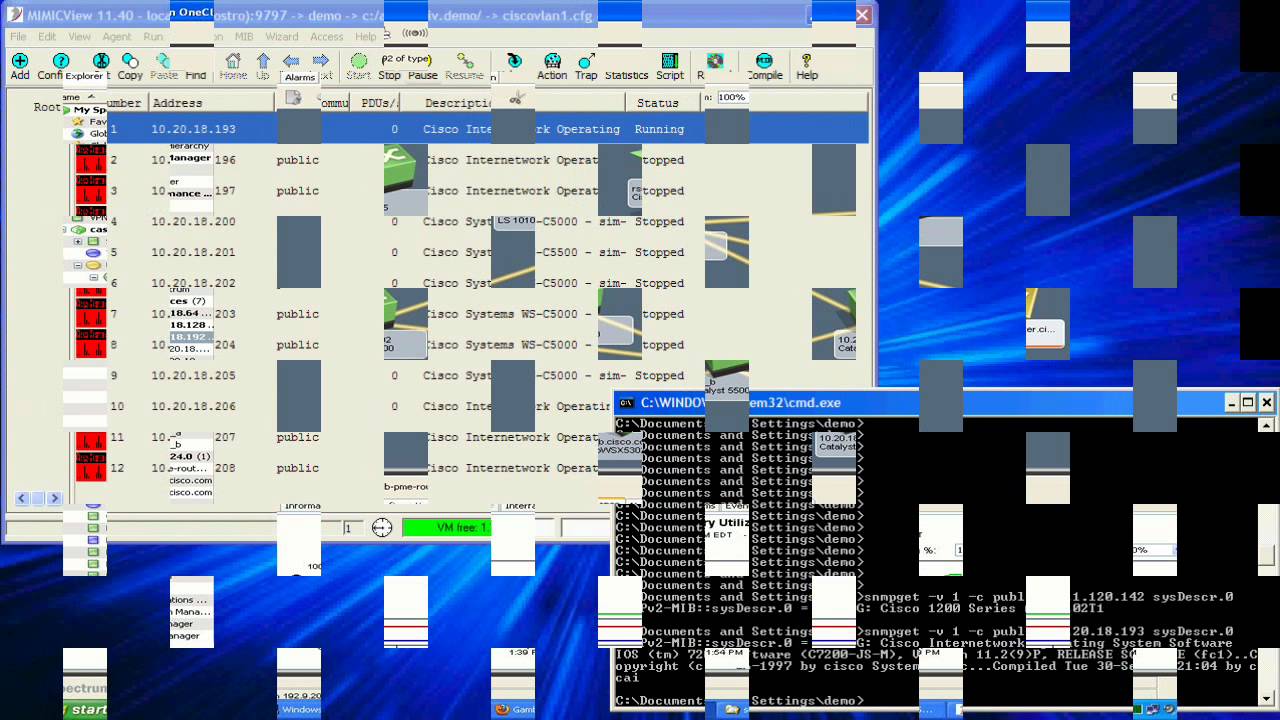
MIMIC IOS Simulator ships with many ready-to-go simulations for Cisco devices such as the 3640, 7206, 6260, 6500, GSR 12000. Moreover, MIMIC IOS Simulator supports many IOS commands and numerous Cisco applications: CEMF, Cisco Prime, CiscoWorks, CiscoWorks 2000, CiscoView and other network management applications. Users can simulate up to 100,000 devices in a single workstation by using MIMIC IOS simulator.

Tuesday, 1 September 2015

SNMP Fundamentals & Concepts

The Simple Network Management Protocol or SNMP is a familiar site in most networks. It not only offers ways for event notification but also for getting device statistics, set configuration limitations, and several other operations. In this post, we will take a look at some of the fundamentals of SNMP.

SNMP concepts:

SNMP is a protocol that works at the application level; it defines a procedure of communication between different networking devices and a central administrator for monitoring and management of these devices and networks.

Components of SNMP:

There’re three components related with SNMP:

SNMP manager• SNMP manager – it is a central system that checks traffic received and sent by the different device SNMP agents. It also manages all devices in the network through these agents. It not only offers ways for event notification but also for getting device statistics, set configuration limitations, and several other operations.

• SNMP agent – it is a software unit that exists inside a network device; this component is employed to maintain real time information regarding the elements operations. Also, the agent is employed to communicate this information back to the SNMP manager and perform control action set by the SNMP manager.

• MIB (Management Information Base) – the Management Information Base is a practical information storage area where network management information is kept. Inside the MIB there’re several diverse collections of objects that are linked together. Each of these collections holds several variables that can be changed by the SNMP manager or SNMP agent.

SNMP Operations:

Once these components have been configured in a network, they’re capable of performing many operations. The accessible operations rely on what version of SNMP is used over the network.

The following operations are available for all versions of SNMP :

• GET – this operation is performed by the SNMP manager to recover one or more object instances from the SNMP agent.

• GetNext – this operation is for the SNMP manager to get the next object instance from the SNMP agent.

• SET – this operation is for the SNMP manager to set the value of an object instance of the SNMP agent.

SNMP agent

Summary:

The use of SNMP has been a long time staple inside the network of several organizations. These days SNMP agent simulators are being used widely by several organizations to deal with a complicated network system effectively.


Follow Gambit Communications on:-
facebook twitter linkedin

Monday, 31 August 2015

How SNMP Messaging Enhances Network Monitoring ?

SNMP messaging is one of the best tools that help network administrators really well. The idea behind SNMP is, devices on the network – for example a local router or a switchare able to send their conditions and alert to a central management application, specifically about potential issues. Their local condition is monitored through an agent that communicates the information through SNMP messaging.

MIMIC SNMP Simulator

So, for example, one straightforward responsibility of an SNMP agent in a network is reporting. In this instance, an agent can be setup to report to the main management application at specific intervals, allowing the the manager to know that the device is still connected to the network and is running. However, if there is an issue and the agent falls short to report in at the anticipated time, the server instantly knows there’s a status issue with the tool that should be addressed. Communication in the form of a phone call or a text message can be sent to the network manager so the problem can be resolved. SNMP can enable a range of conditions to be checked, accounted and acted upon.

While SNMP messaging is an excellent means to monitor, report issues and eventually take counteractive actions, it also has its pitfalls. More exactly, SNMP does not have the abilities to perform anything more or less than what the manager asks.

Therefore, if a network administrator asks an SNMP agent to send a status report every minute, that is exactly what it’ll perform. If the action that is tied to a breakdown of a device is to send a mail to the manager every time the device fails to report, it is possible that one morning, the manager is greeted with hundreds of mails related to the breakdown of that device. Another step such as expanding the reporting period can decrease those mails from hundreds to a few.

SNMP


Follow Gambit Communications on:-
facebook twitter linkedin

Wednesday, 22 July 2015

Introduction to SNMP Simulator

SNMP (Simple Network Management) simulator software is intended for testing SNMP managers against a huge number of SNMP agents that depict a potentially extremely large network colonized with different types of SNMP-competent devices.

General use for SNMP simulator software begins with either ready devices provided with the simulator or recording the test lab or production network. Another alternative is to create a simulation from MIB files. This is a good option if you don’t access to a device. Once you’ve your recording available, Simulator could use it to create a device that responds to SNMP queries just like a real SNMP agents on the recorded device.

IBM_Tivoli_Proviso SNMP based management applications can talk to the Simulator using SNMPv1, SNMPv2c or SNMPv3. For SNMPv3 it needs SNMP context name in queries, whereas for SNMPv1 it needs a particular SNMP community name to access the managed objects.

It’s also feasible with the SNMP simulator software to send different type of responses to network management application’s address, not just SNMPv3 context names.


Follow Gambit Communications on:-
facebook twitter linkedin

Tuesday, 21 July 2015

SNMP Traps and Network Management

SNMP is known as a computer network protocol and stands for “Simple Network Management Protocol”. This protocol is a means of communication to systems, switches, routers and other different network tools running SNMP agents, use to transmit crucial info regarding their status, happening over the network, and whatever else issues that are occurring. Usually, these SNMP agents are listening on a couple of UDP ports, that is 161 for general SNMP queries, and 162 for SNMP traps. When a system transmits an SNMP message in the structure of a trap, it does not matter which port it sends it out on, since the inaccessible listener is generally often listening on port 162, it should always send to 162.

sflowtrend-20120416-2SNMP traps are an important part of a whole network management solution. The traps make use of a push mode of contact, i.e. they send information to a network manager without it asking for it, in the form of an SNMP message known as a Trap. This information then is utilized by the administrator to figure out possible events happening in the network, which can affect the network status.

Fault management mainly consists of these traps, and due to that, it’s a reactive kind of technology. At the same time, performance management consists of polling monitoring, in which a polling process communicates a list of devices on port 161, and asks their agents for information related to their configuration and collects their statistics that the administrator needs. Both of these managements have their benefits and drawbacks, but what we wish to discuss about more here is the SNMP protocol and how it links to these trap messages.

maxresdefaultThe trap message has many diverse components. Here we’ll talk about the SNMP version 1 trap. The simplest means to review these components is to make use of a protocol analyzer, and detain these SNMP messages on the wire. Once collected, the observer can notice that the PDU (protocol data unit) is broken into many parts, including the enterprise, agent address, general and precise trap values, a time stamp, and a list of unpredictable bindings.

Gambit Communications is a provider of tools for simulating servers, networking and storage devices. Many leading enterprises and networking vendors around the world are using our MIMIC Simulator Suite for testing, development, operator training and disaster simulations. Now you can easily test SNMP based applications and verify your Cloud infrastructure by using our MIMIC Simulator Suite. It can generate large trap storms whenever needed, very easily.

Follow Gambit Communications on:-

facebook twitter linkedin

Monday, 20 July 2015

A Technical Overview of Cisco IOS NetFlow

NetFlow is an entrenched instrumentation within Cisco IOS software to illustrate network function. Visibility into the network is a crucial instrument for IT experts. In response to new needs and pressures, network operators are finding it tough to comprehend how the network is responding comprising:

netflow-intermapper• Application and network use

• Network efficiency and use of network resources

• The effect of changes to the network

• Network irregularity and security susceptibilities

• Long-term compliance problems


Enterprises rely a lot on Cisco IOS Netflow to fulfil their business goals. NetFlow can be employed by enterprises, small & medium-sized businesses, and channel associates to fulfil complicated network difficulties.

Increasing significance of network awareness:

The capability to distinguish IP traffic and comprehend how and where it flows is important for network accessibility, performance and troubleshooting. Screening IP traffic flows makes possible more precise capacity planning and makes sure that resources are employed properly in support of organizational objectives. It helps IT pros determine where to use Quality of Service (QoS), optimize resource use and it plays an important part in network security to perceive DoS attacks, network-broadcasted worms, and other unwanted network procedures.

NetFlow facilitates solutions to several typical issues faced by IT pros, such as:

netflow-solarwinds-nta• Test new applications and their network impact – recognize new application network loads, for example VoIP or inaccessible site additions.

• Decrease in WAN traffic – employ netFlow statistics to weigh up WAN traffic enhancement from application-policy changes; comprehend who’s making use of the network and network top talkers.

• Troubleshooting & comprehending network pain points – analyse slow network accomplishment, bandwidth hogs and bandwidth consumption speedily with command line interface.

• Exposure of unofficial WAN traffic – ignore expensive advancements by recognizing the applications causing blockage.

• Security and inconsistency detection – netflow can be employed for irregularity finding and worm analysis alongside applications like Cisco.

• Confirmation of QoS limitations – authenticate that proper bandwidth has been assigned to each CoS (Class of Service) and that no Class of Service is over or under-subscribed.

Follow Gambit Communications on:-
facebook twitter linkedin

Tuesday, 7 July 2015

SNMP Monitoring

SNMP is undoubtedly the most essential component of the total network management. It enables a management station to group the entire network of devices to collect of the right information. Since the all network devices have SNMP agents which are responsible for sending different performance reports to the management station, it becomes clearly evident to make sure that the SNMP is working properly to get clear reports on interface use, memory use, etc.

SNMPSNMP offers the network performance information in a familiar and non-proprietary way, therefore the information supplied by SNMP is simple to be understood by network managers. This further aids in device supervision from all different vendors by employing single-interface and general network management devices. SNMP monitoring is therefore very important for best device administration so that the entire management stations can effectively converse with agents from several vendors and able to work concurrently. For successful network administration SNMP monitoring is essential that involves complete network analyzer to provide both in-time analysis combine with the capability to handle and view statistics from SNMP compliant tools. Besides you can take into account a solution that offers solution for network interface mapping, check out RAM space and several other back-end support systems to aid you understand the network blockages by persistently monitoring and displaying different tools and route standings.This information is very important for networking managers to make sure up-time for different organizational websites.

The complete network analyzer inserted in SNMP monitoring system offers the supplementary meticulous information that even a SNMP management device lacks, the monitoring devices solve network manager’s issues at greater levels and aids them resolve performance system with rather easy and better performance metrics. These features can offer constant insight information relating to regular operations of the network interfaces or elements.

urlThough SNMP agents are competent enough of offering all types of crucial information for the productive network management, monitoring and later on troubleshooting tools for swift issue rectification, SNMP as a standalone system isn’t competent enough in dealing with a thorough and complete network monitoring. SNMP doesn’t offer all types of information that the network managers needs to stay on the top. Therefore, for a complete network management and thorough of different performance problems, you require highly competent network monitoring services that not just features regular performance reports but also send system created alerts if something goes wrong with the network or any of the network interfaces display hints of under performance.

Follow Gambit Communications on:-
facebook twitter linkedin